

The guest experience
One Link, No App: What Guests Enjoy in a Welcomebook
A quick visual tour of the check-in steps, local recommendations, maps, and translation guests can open from one simple link.
By welcomebook editorial team · Updated September 2, 2026 · 3 min read
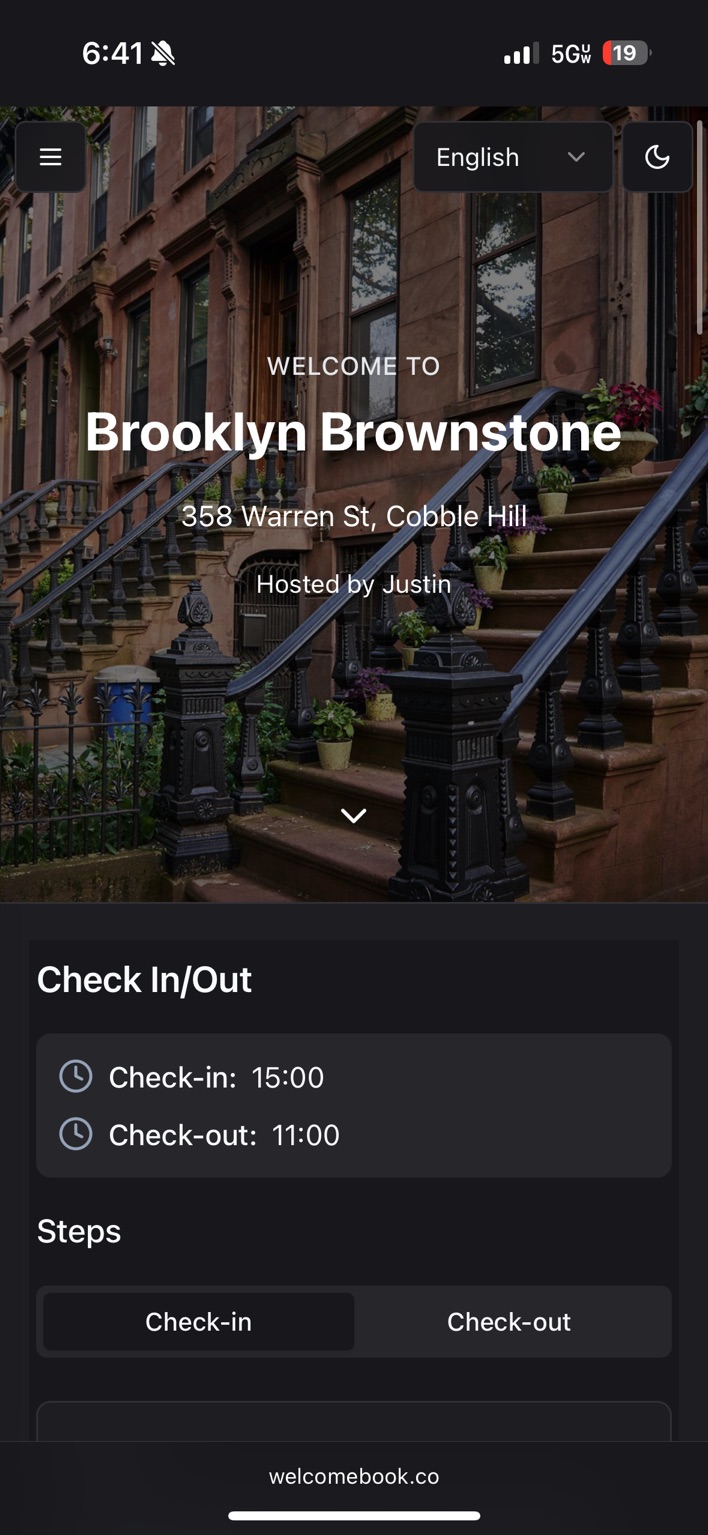
Send one link. Guests tap it and the entire guide opens in their phone browser.
Key takeaways
- ✓ No download, account, or password is required.
- ✓ The guide is designed for check-in, house details, maps, and local tips on a phone.
- ✓ Updates appear at the same link guests already have.
Open the link
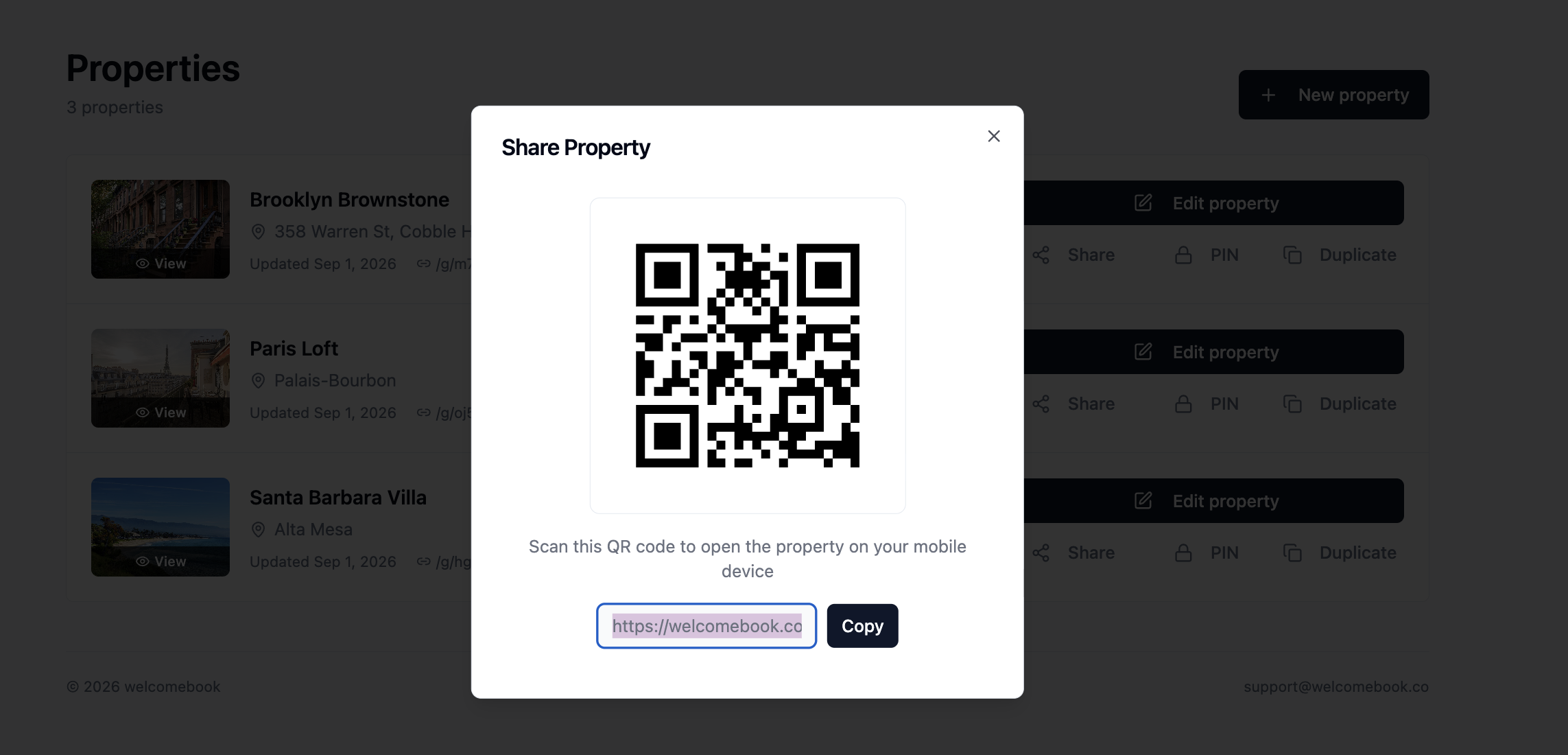
Put the Welcomebook link in the arrival message you already send. It opens in Safari or Chrome, with no app, account, or password between the guest and the information they need.
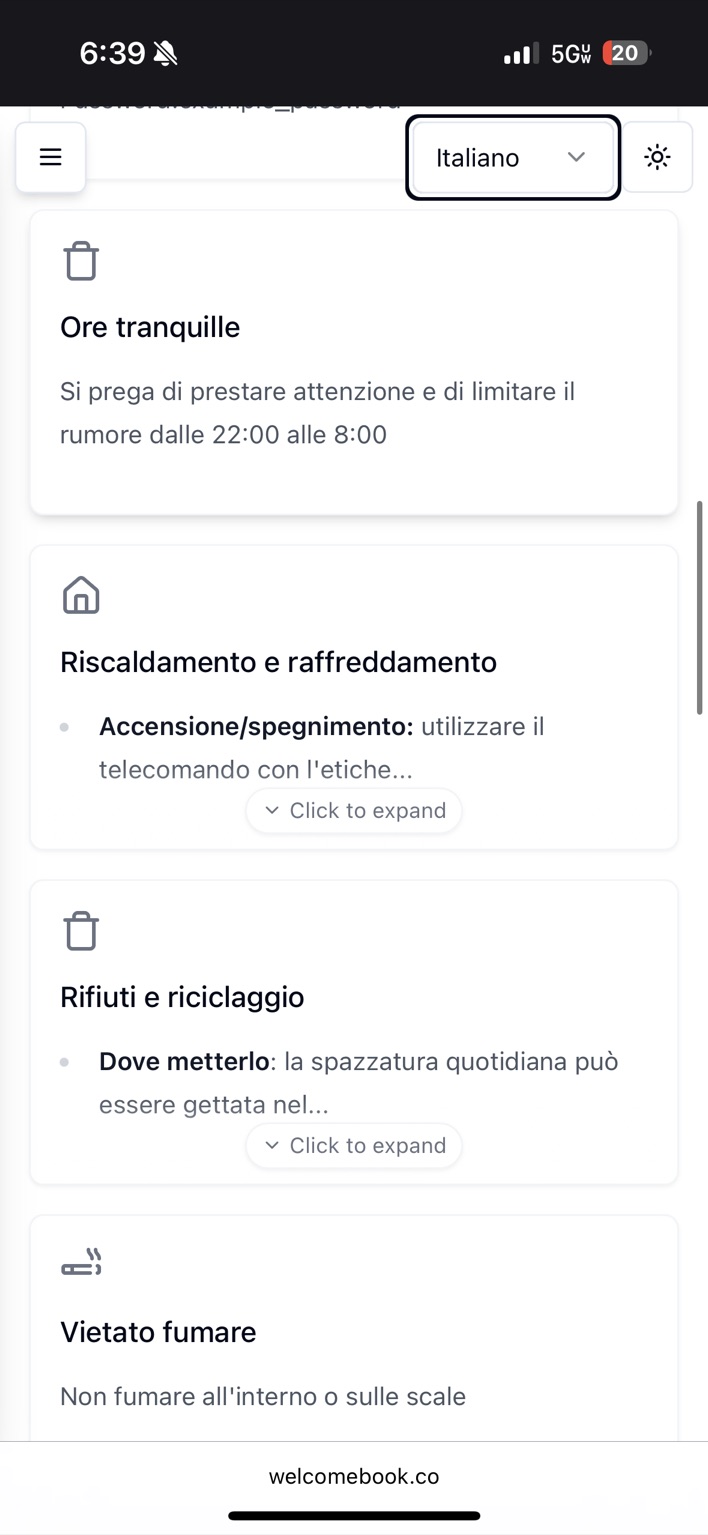
Switch languages instantly
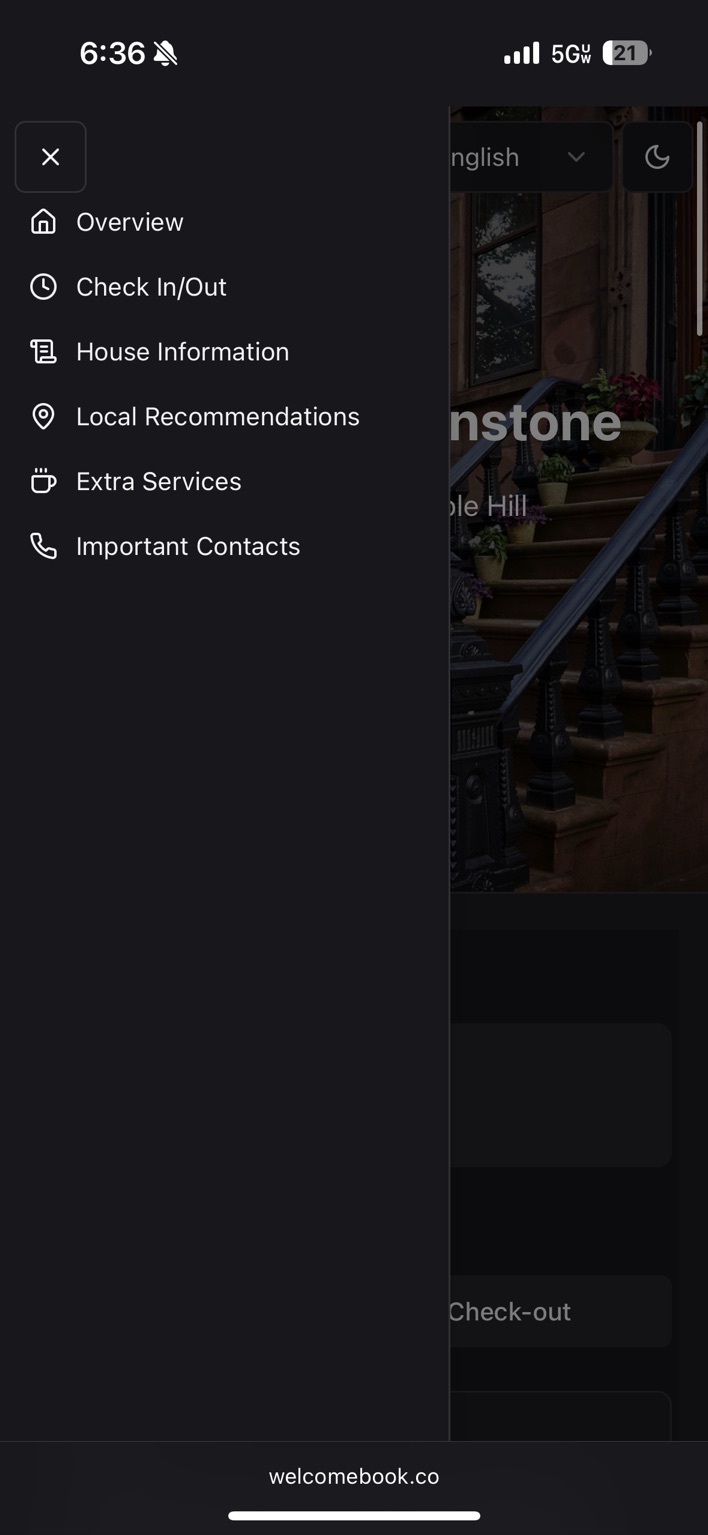
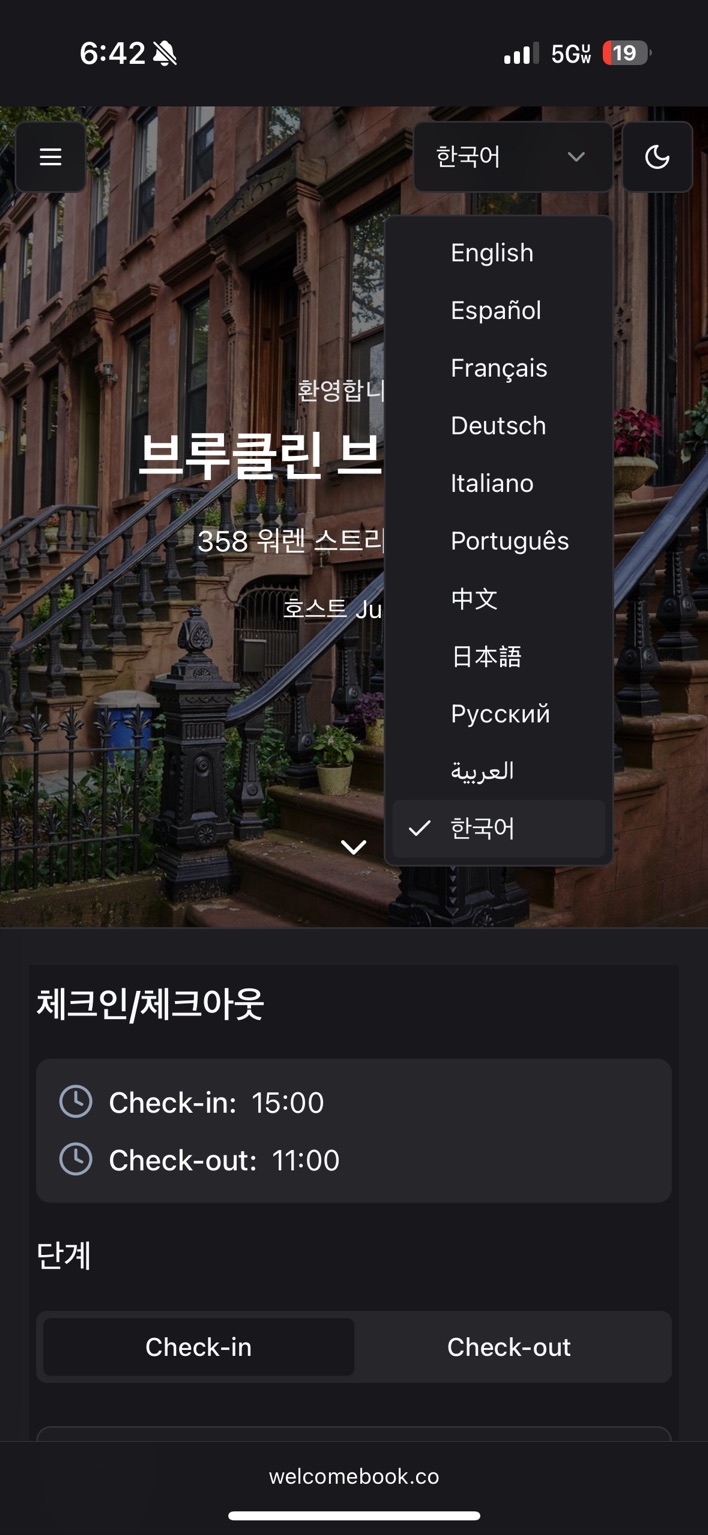
Guests choose a language from the same guide. Check-in details, house information, and local recommendations change with it, so there is no separate translated document to manage.
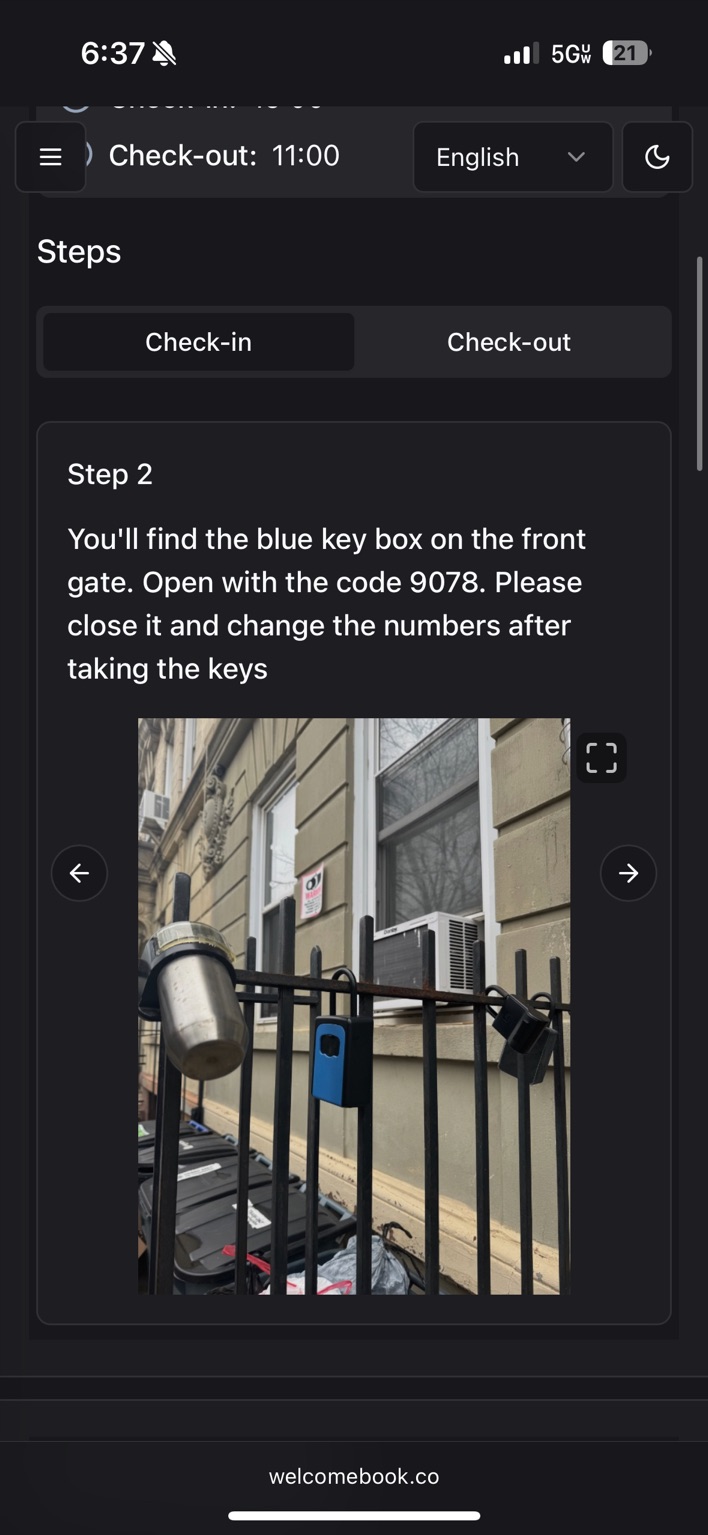
Follow check-in step by step
Give your check-in process a professional polish with clear steps and photos of the exact entrance, lockbox, or parking spot that guests can expand on their phone.
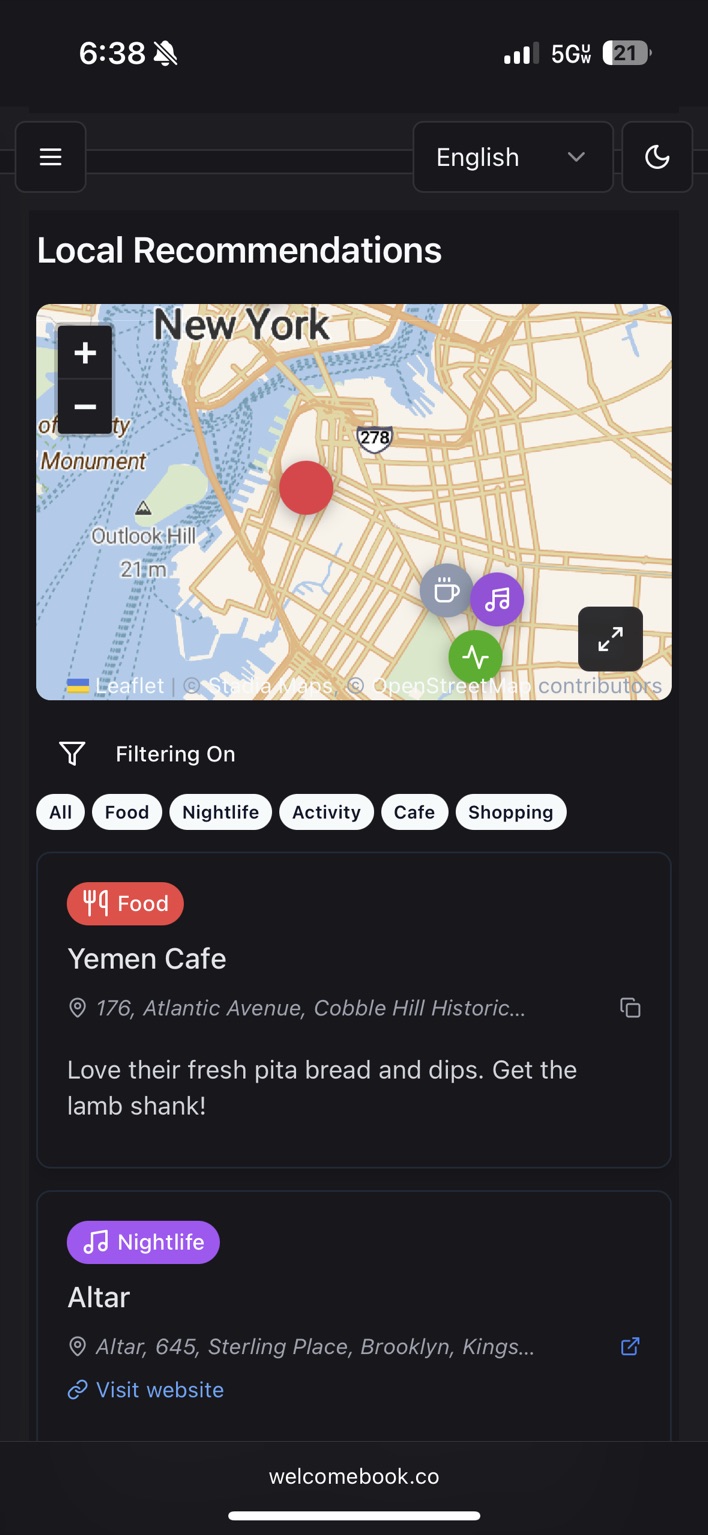
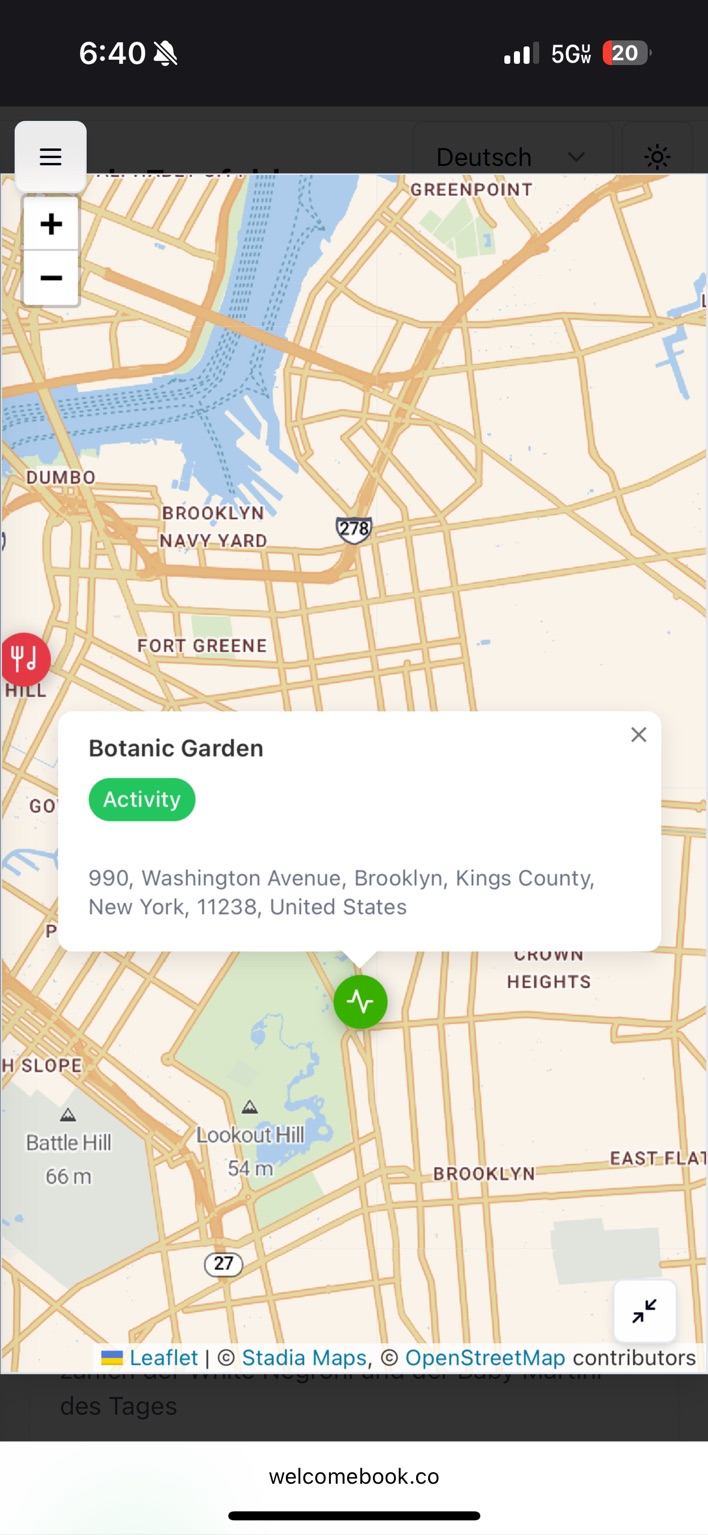
Take local recommendations with you
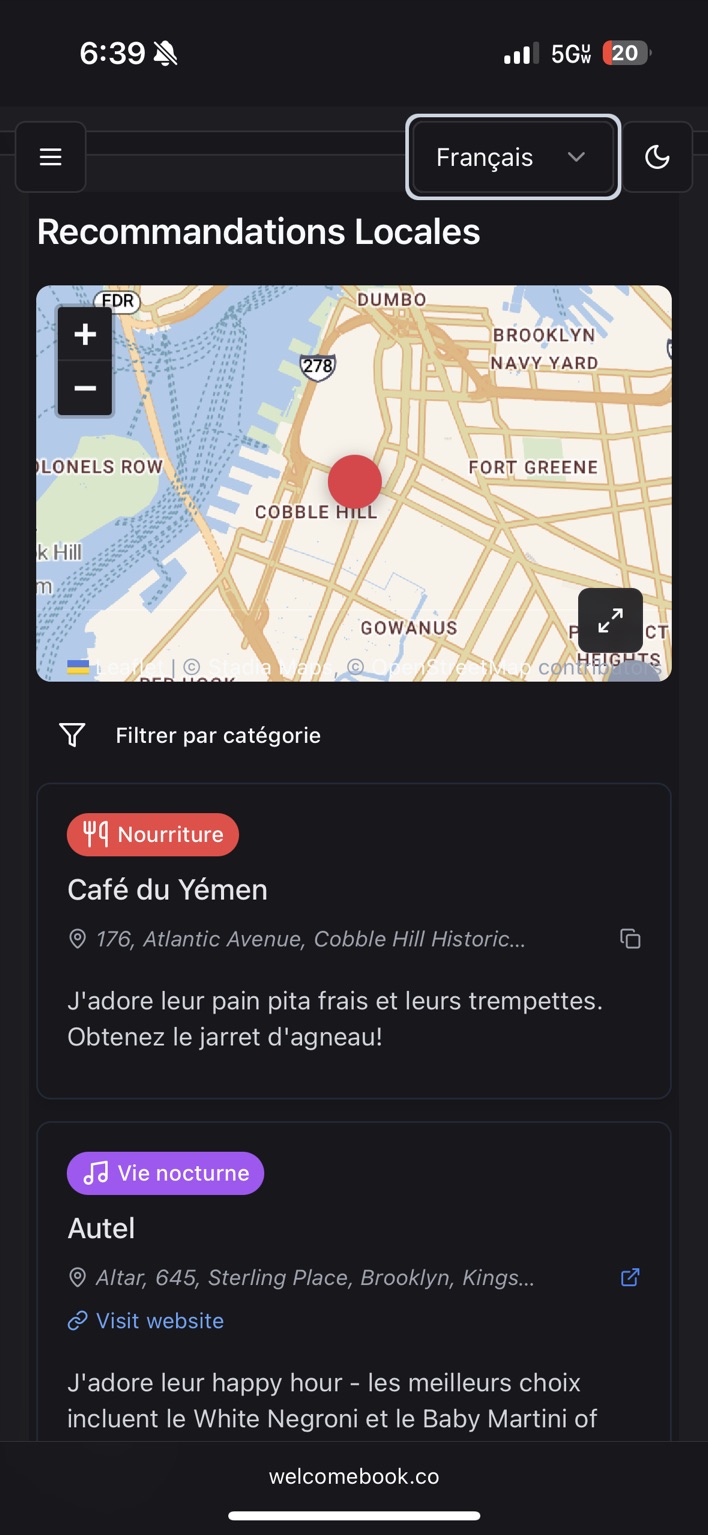
Guests can filter your favorite places, see what is nearby, and open the map full screen while they are out exploring.
Keep using the same link
Edit the guide whenever something changes. The guest link and QR code stay the same, while the latest instructions appear the next time the page opens.
Common questions
Do guests need to download the Welcomebook app?
No. Welcomebook is a mobile web page. Guests open the property's link in Safari, Chrome, or their usual browser without installing anything or creating an account.
What happens when I update the guide?
Saved changes appear at the same guest link. You do not need to send a new URL or replace the property's QR code.
Can guests translate the guide?
Yes. Guests can select a supported language from the guide and switch languages without asking the host for a separate document.